The Django N+1 Select Problem: From 21 Queries to 2
An innocent loop can quietly turn one database query into hundreds. Here is how to recognize that pattern, fix it with Django’s ORM, and keep it from returning.
Tsirimaholy Harison Razanapanala
Full-Stack Developer
Published · Updated
Why this mattered in production
At Numer, an analytics page had reached roughly four minutes of loading time. After profiling N+1 behavior, optimizing the SQL, and adding a purpose-built cache, it loaded in about 500–800 milliseconds.
That result was not one clever ORM call. It came from treating performance as an entire request-path problem: expose the hidden queries, reduce redundant database work, make the remaining SQL cheaper, and cache only the stable result.
I met the same class of problem later at Vertex while removing backend bottlenecks from a B2B wellbeing platform. There, N+1 and SQL optimization sat beside another boundary: deciding which work belonged in the request and which belonged in asynchronous Celery and Redis processing.
The deeper cause: object–relational impedance mismatch
Application code naturally speaks in objects and relationships: a user has a profile and belongs to roles. A relational database stores rows in separate tables and is strongest when it processes data in sets. An ORM connects those two models, but it cannot erase the difference between them.
That difference is the impedance mismatch. Readinguser.profilelooks like an ordinary in-memory property access, while the data may actually require a network round trip and a SQL query. Lazy loading keeps code convenient, but it can hide I/O inside a loop, template, or serializer.
What the N+1 select problem means
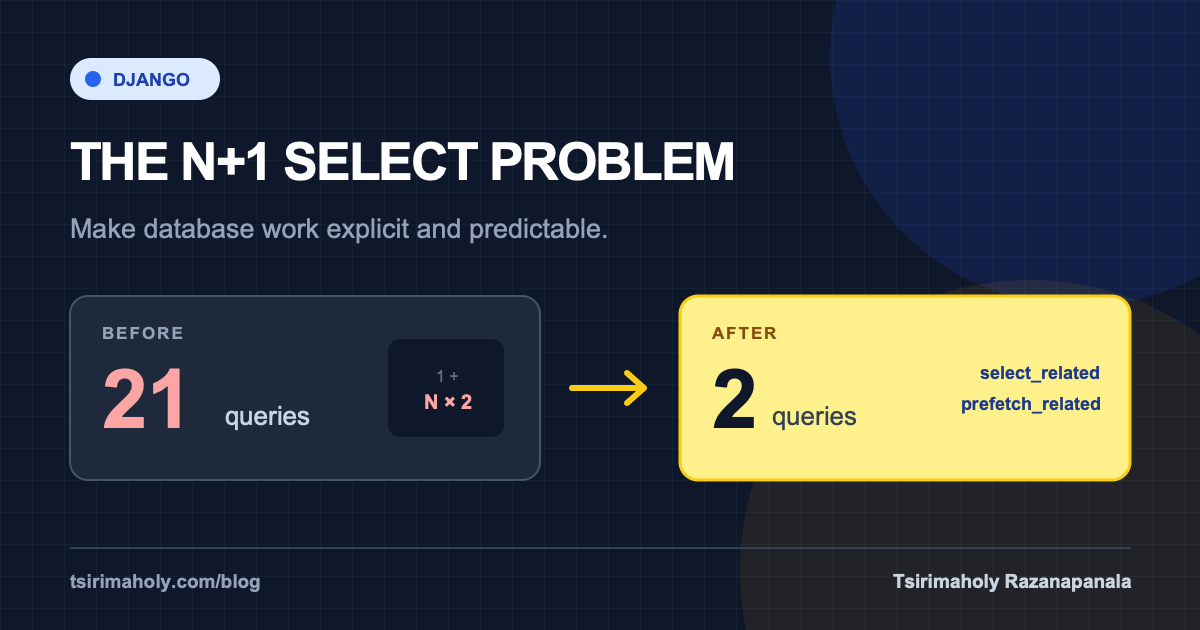
The N+1 select problem happens when an application runs one query to load a collection, then runs another query for every item in that collection to load related data.
The context
Imagine a GET /api/users endpoint that returns a directory. Each row needs the user’s name, profile details, and assigned roles. Django first loads the users, but the serializer then discovers that it also needs two relationships for every row.
Initial query
1
Load all users
Related queries
N × 2
Profile and roles per user
For 10 users
21
Total queries
Django relationships are lazy by default. This is useful: the ORM does not fetch data that you may never use. The surprise comes when a template, serializer, or loop accesses a related field and triggers hidden database work for every object.
A real example: users, profiles, and roles
In a user-management API, each user had one profile and could have multiple roles. This was the relationship being loaded:
User
id · name · email
UserProfile
phone · address
Role
name · permissions
The straightforward code looked harmless:
users = User.objects.all()

for user in users:
    profile = user.userprofile
    roles = user.role_set.all()
The first line executes one query for the users. Accessing user.userprofile adds one query per user, and calling user.role_set.all() adds another.
SELECT * FROM auth_user;

SELECT * FROM userprofile
WHERE userprofile.user_id = <user_id>;

SELECT * FROM role
WHERE role.user_id = <user_id>;
The query count grows with the result size. Ten users produce 21 queries; 100 users produce 201. This is why the endpoint can look fast in development and degrade sharply with production data.
The fix: load the data intentionally
The solution is eager loading, but each relationship needs the right strategy:
users = (
    User.objects
    .select_related("userprofile")
    .prefetch_related("role_set")
)

for user in users:
    profile = user.userprofile
    roles = user.role_set.all()
Result
One joined query loads users and profiles. One additional query loads every role needed for those users, and Django joins the results in Python.
`select_related` or `prefetch_related`?
| Method | Best for | How it works |
|---|---|---|
| select_related | ForeignKey and OneToOneField | A SQL JOIN in one query |
| prefetch_related | ManyToMany and reverse relationships | A second query, combined in Python |
More eager loading is not automatically better. Large joins can duplicate rows, and prefetching unused relationships costs memory and network bandwidth. Start from what the endpoint actually reads, then fetch that graph deliberately.
GraphQL does not remove the N+1 select problem by itself. A GraphQL resolver can create the same pattern unless the server batches and caches loads with a tool such as DataLoader.
How to detect it before production
- Inspect requests with Django Debug Toolbar during development.
- Look for the same SQL statement repeated with only an ID changing.
- Use assertNumQueries in tests so query count does not grow with fixture size.
- Measure with realistic data; five local rows can hide a scaling problem.
- Review serializers and templates, where relationship access is easy to overlook.
def test_user_list_query_count(self):
    UserFactory.create_batch(10)

    with self.assertNumQueries(2):
        response = self.client.get("/api/users/")

    self.assertEqual(response.status_code, 200)
The takeaway
Query count should follow the shape of the request, not the number of rows.
The ORM is not the enemy; invisible I/O is. Once you make the data-loading plan explicit and protect it with a query-count test, Django gives you both readable code and predictable performance.